Accidents
Capture road incidents, hazards and access disruptions so teams can review needs and coordinate a response.
Incidents & local hazards
Community-led early warning & response
Turn community reports into informed early action. People-to-People connects field observations, human review and coordinated response in one shared workspace.
people centre early action

One platform. Different contexts.
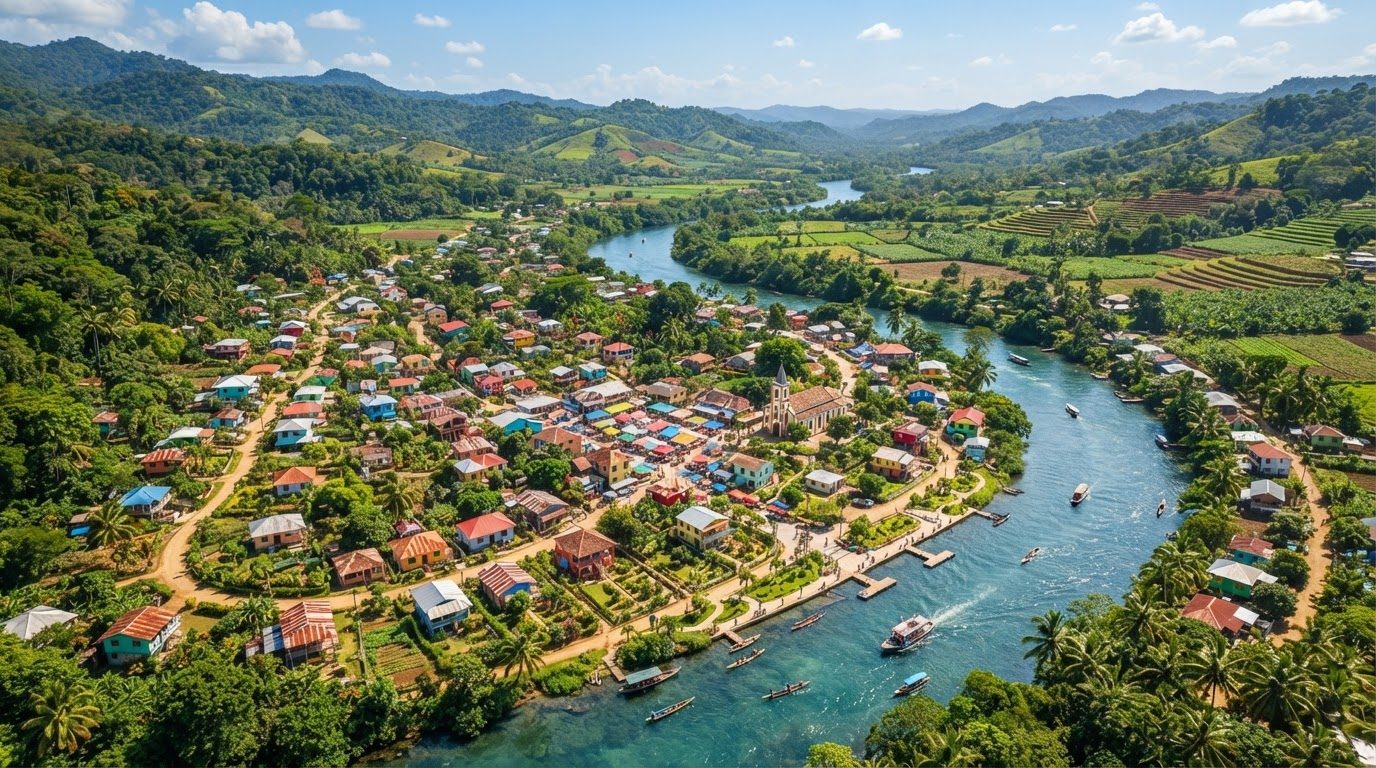
Each Watch brings its own incident categories, reporting forms, geography, roles and privacy rules. Configure the workspace around your community’s needs.
Capture road incidents, hazards and access disruptions so teams can review needs and coordinate a response.
Bring rainfall, flooding and changing conditions into view through observations from the communities affected.
Organize observer reports on electoral processes, emerging tensions and concerns that need careful review.
Route sensitive concerns to authorized reviewers through confidential workflows and restricted access.
How it works
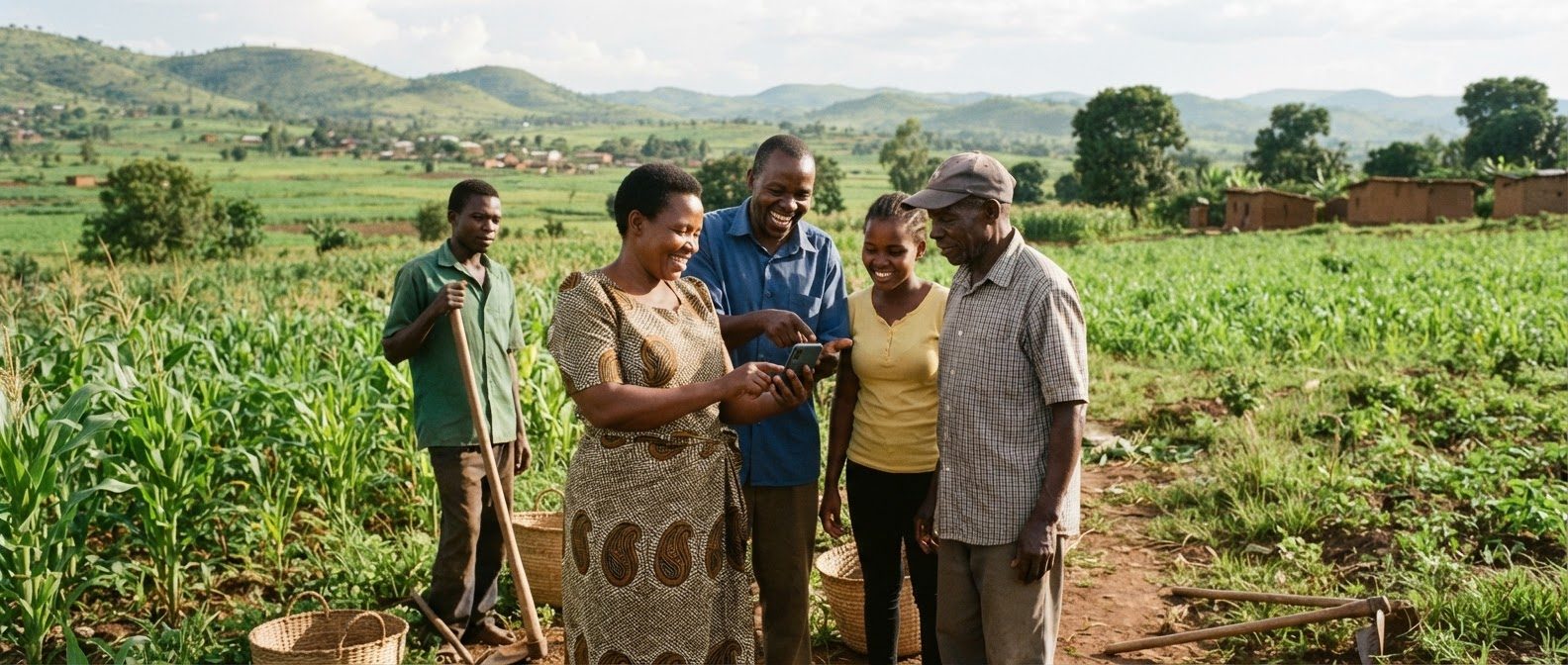
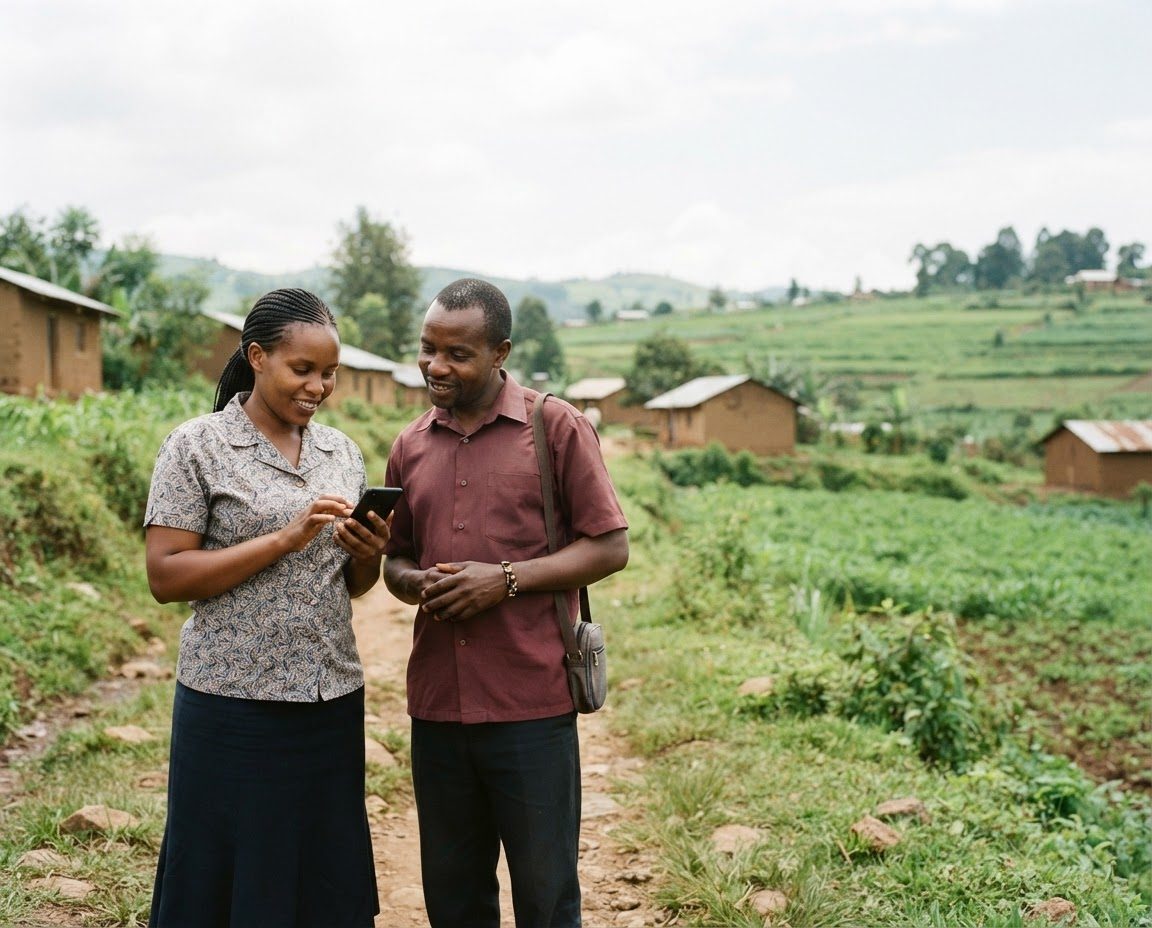
Citizens and field reporters share what they observe: a narrative, supporting evidence and location, guided by the Watch’s reporting form.
Local knowledge enters the workspaceVerifiers check sources and context, triage concerns and review AI suggestions. A person decides what to publish, reject or escalate.
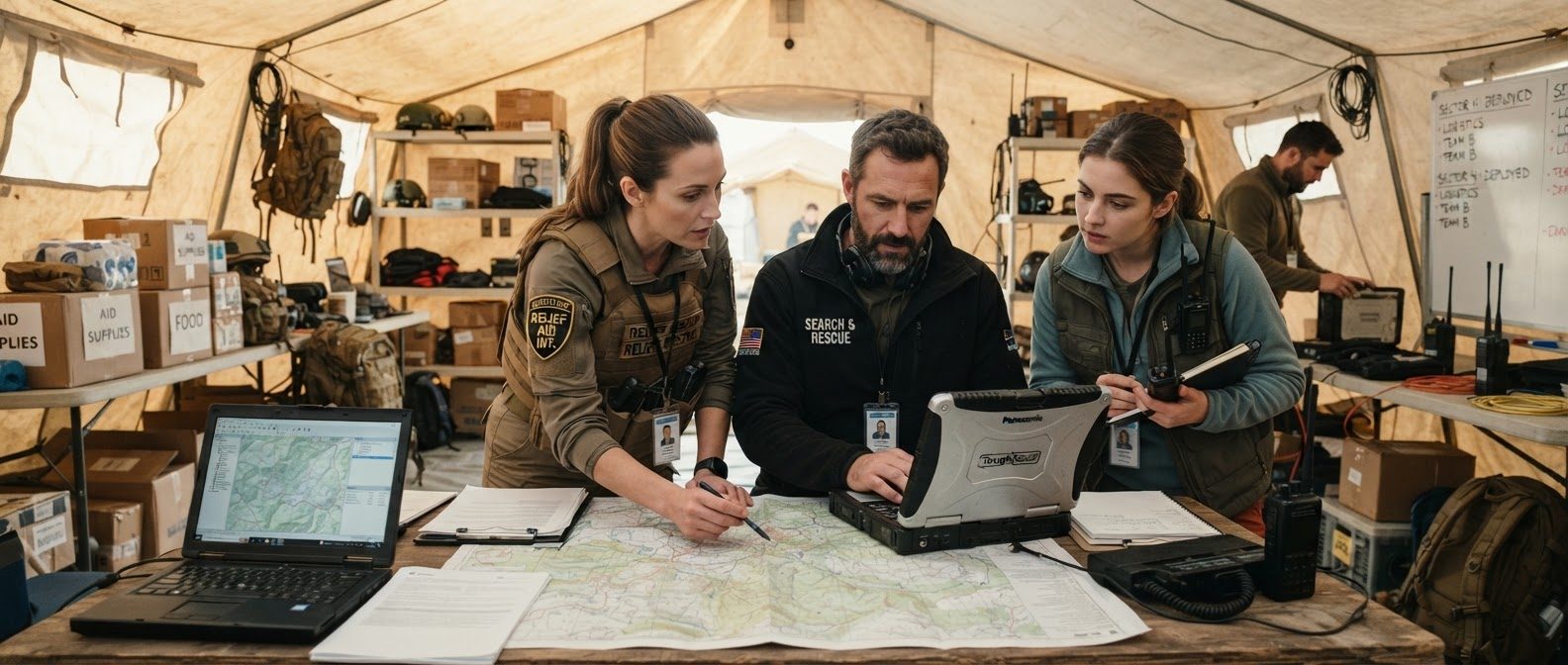
Evidence and context stay connectedCoordinators assign follow-up, track reviewed reports on a map and feed, and use analytics and source-linked briefings to inform next steps.
Approved decisions guide follow-upPublishing, rejection and real-world escalation always require human approval.
Who it’s for
Give each person the tools and access they need, without making every report visible to everyone.
Shape the Watch and the review workflow.
Bring field context into every observation.
Contribute local knowledge with care.
Support the reviewer. Not replace them.
AI-assisted verification surfaces signals worth checking. Its scores and suggestions are aids to judgment—not proof, and not permission to act.
AI-suggested summary · Not verified
These demo reports may describe the same access issue. Compare timing, location and evidence before combining them.
Water has reached the edge of the access route.
Demo evidence attachedDesigned for the field
Capture observations when connectivity is limited. Offline-capable reporting lets field teams save their work and synchronize when a connection is available.
Trust & safety
A report can carry risk for the person behind it. Confidentiality and careful access are part of the workflow—not an afterthought.
Reporter identities are restricted to authorized roles. Anonymous reporting is available only where the Watch permits it.
Exact sensitive locations and confidential safeguarding data are not exposed in public views or shared indiscriminately.
Watch-specific privacy rules and role-based permissions guide who can view, review and handle sensitive reports.
A few things to know
Understand how reporting, review and access work before joining a Watch.
A configurable workspace for a specific context, with its own categories, forms, geography, roles and privacy settings. A community can use different Watches for different concerns.
Offline-capable field reporting allows observations to be saved on a device and synchronized when connectivity returns. They enter the review workflow after synchronization.
Only where the Watch permits anonymous reporting. Confidential safeguarding reports and reporter identities remain subject to restricted access.
No. AI provides review assistance. Publishing, rejection and real-world escalation require human approval; a score alone is not a verified finding.
People centre early action
Log in to your Watch to report, review and coordinate with care.